This post describes the technique I use to organize my configuration files (i.e., dotfiles).
What are dotfiles
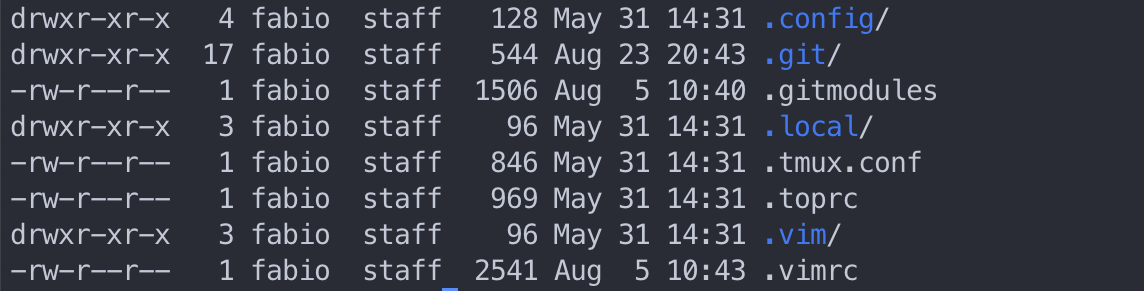
Dotfiles are hidden configuration files of a Unix system that live usually in
your home folder and are prefixed by a dot. Things like your .vimrc,
.bashrc, or even folders like .config and so on are examples of these
configuration files.
Storing files in git
Since these are usually text files, using a source version control system makes a lot of sense to store these files. I used to have a github repository that I would store all these files and then symlink them whenever I was setting up a new system. That process became tedious and error prone very quickly, so I decided to create an install script to automate the whole process.
That workflow served me well for a while. The biggest challenge was that every time I would make any changes to the repository, for example add a new file, I would have to pull the changes from the remote but also create new symlinks for the new files. At some point I’ve made the install script idempotent so I could always safely rerun the script and update all missing links. Still I wasn’t fully satisfied.
A new approach
Around the same time I was growing tired of zsh and oh-my-zsh for its performance and complexity. I started experimenting with fish and hit it off right away. Around the same time I was ditching vscode for its ridiculous amount of bloat it accrued over the years and replacing it with neovim. So my base configuration was growing quite a bit as well.
There are plenty of tools to manage your configuration files with all sort of features. But in my case, nothing could match the simplicity of simply using a bare git repository as described in this article.
Bare repository
The idea is quite simple, you create a bare repository in a hidden folder and
then set the work tree to the $HOME folder. The article also suggests creating
an alias to deal with this as in:
alias cfg='/usr/bin/git --git-dir=$HOME/.cfg/ --work-tree=$HOME'
In my case, since I’m using fish, I’ve created a function that wraps git so I still get the completion suggestions. I also expanded it to add some quality of life features like pulling the base repository, plus all sub-modules, and update fish plugins.
It is also important to configure git so it doesn’t show the untracked files. Otherwise it thinks your whole home directory is a git repository. This is done by:
cfg config --local status.showUntrackedFiles no
Installation
To perform the installation on a fresh system like a VM or a new box, all I need
to do is to run the
bootstrap
script on the new system. Usually this is done by curl -fsSL $URL | sh. It
makes sure to install all dependencies and perform the initialization steps
required to make it all work. After that I have the cfg function available to
maintain things up-to-date.
Final thoughts
I’ve been using this system for some time now and I’m very happy with it. It is super easy to bootstrap new machines and pull all configurations that I am used to have. It is also pretty simple to keep everything consistent on the different systems I interact with. No more missing vim plugins or shell functions anywhere.